Advise for documents creation
Use mm as unit for SVG
To avoid having too large or too small scale ratios, it is recommended to use millimeters as the unit for SVG. In fact, mm is a measurement unit that allows for more homogeneous scale ratios than pixels. The second advantage is that you can evaluate the size of the objects in mm on your document.
To use or convert an svg to mm, you can use the software Inkscape.
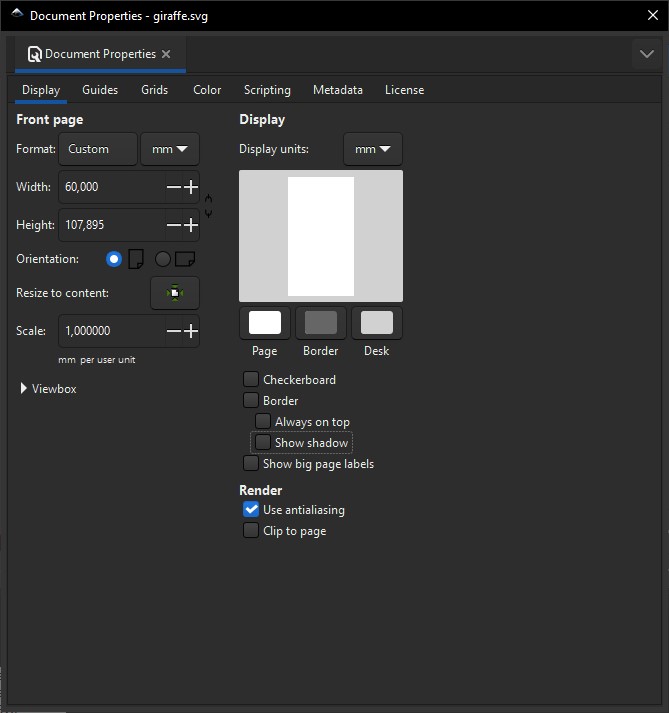
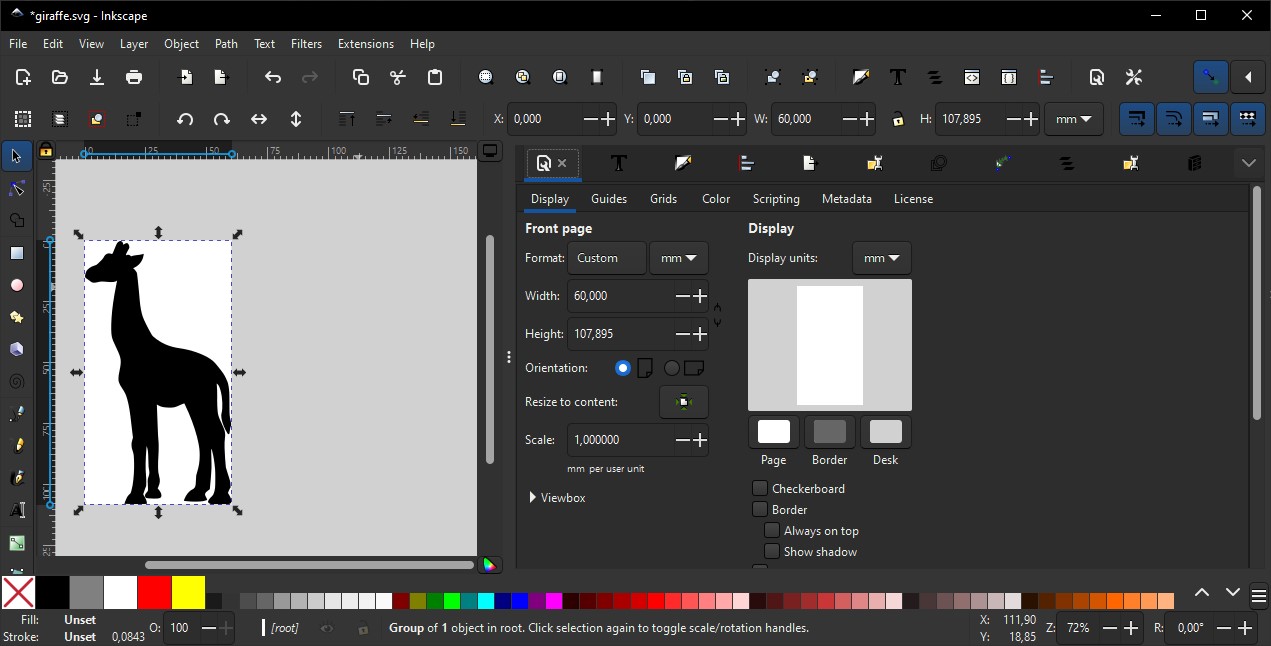
In Inkscape, it is preferable to keep a scale (scale) of 1.00, and it is interesting to resize the SVG document to the size of the graph it contains with the “Resize to content” button (Resize to content).
This method will allow you to create your documents more efficiently by preparing graphs of known sizes and easy to manipulate with DesktopBrailleRAP. In the example below you can see that the giraffe is 60 mm wide and 107 mm high, these dimensions will be preserved by DesktopBrailleRAP, the embossed giraffe will also be the same size on the paper.
Make “simple” documents
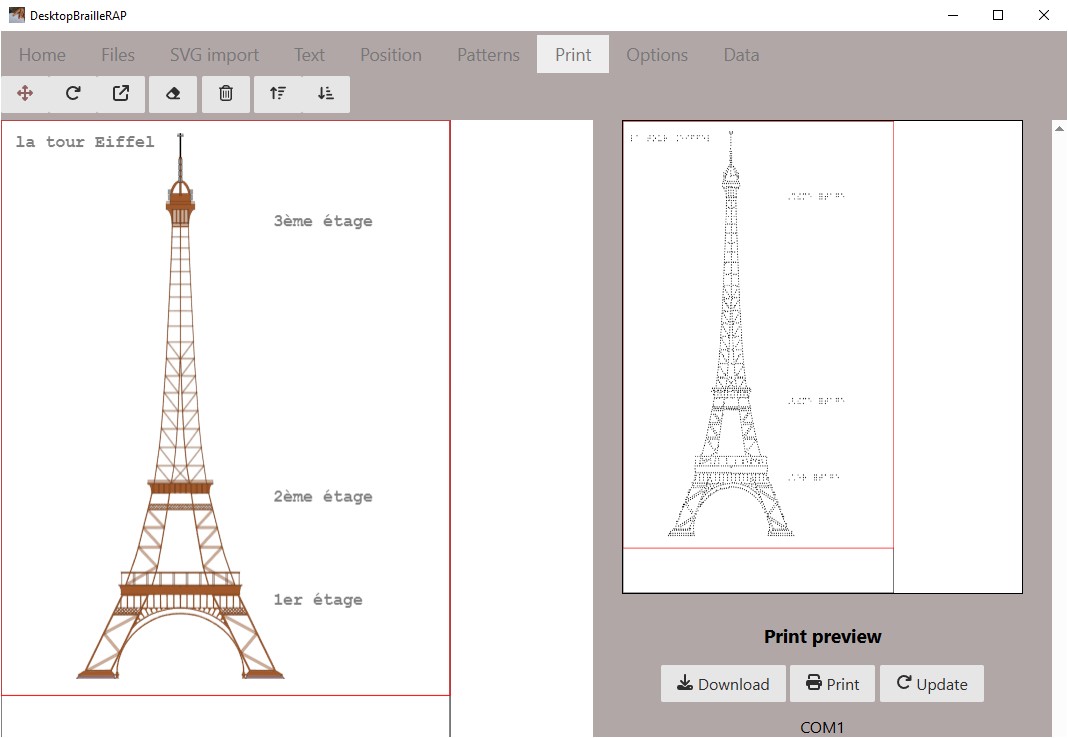
There is no limits to what you can do with DesktopBrailleRAP, but it is recommended to make simple and clear documents to facilitate reading by unsighted peoples.
Here is some tips to make simple documents :
Avoid overlapping contours
Avoid multiplying patterns
If you want the patterns to represent different elements, use spaced patterns.
Narrow patterns are more comfortable to read.
Remove details that are not useful for understanding the document.
Test documents with unsighted people.
Sample of tested documents with unsighted people
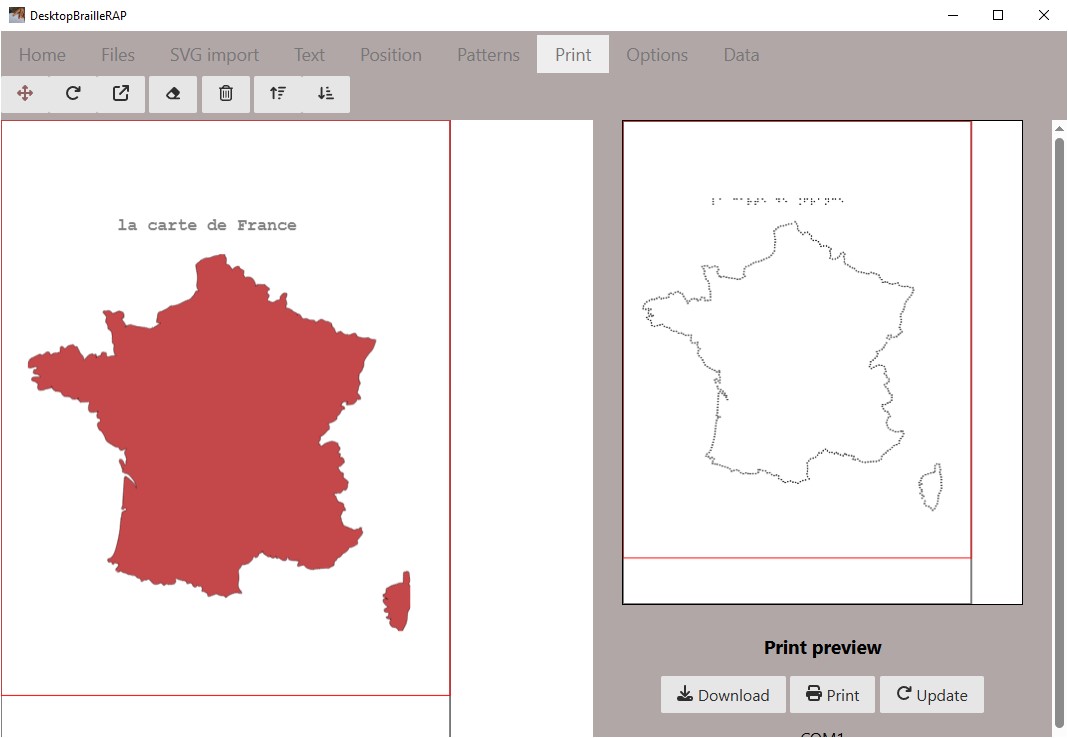
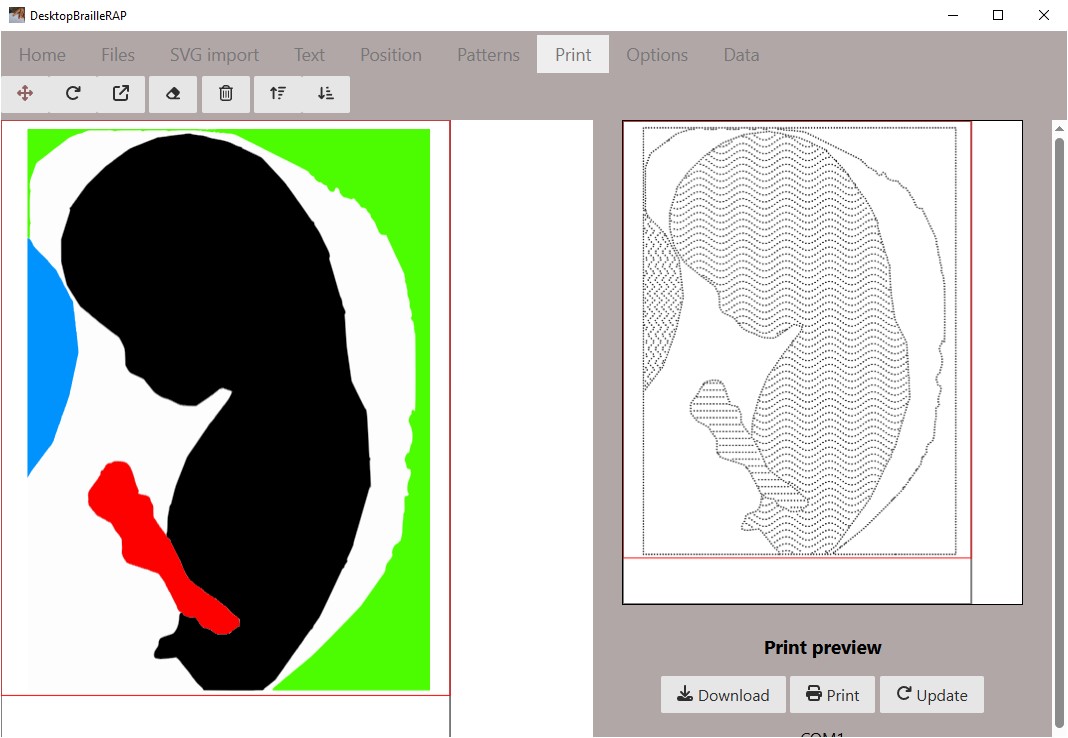
Here are some examples of documents tested with unsighted people, these documents were made with DesktopBrailleRAP.
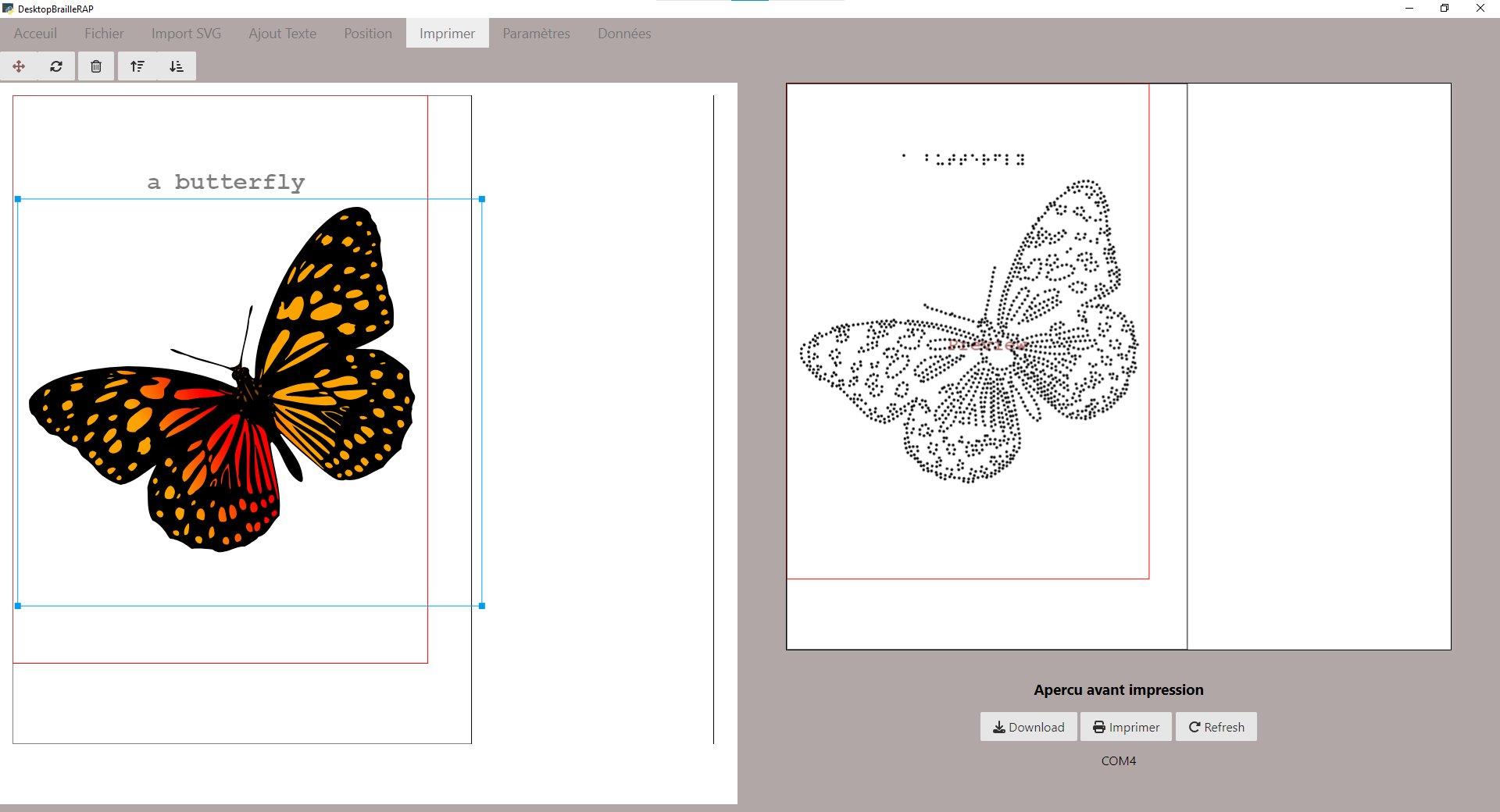
An example of a too complex file is the following. Visually we have a good rendering of the butterfly wings decoration, unfortunately with the fingers the filling is too complex and hinders reading and therefore understanding the contour of the wings.