Features
DesktopBrailleRAP’s main features are:
Import SVG images
Add text blocks in Braille
Move, rotate, scale imported graphics.
Move, rotate Braille text blocks.
Save a composition.
Load a composition.
Assign Braille dot patterns for the filling of color patches.
Assign Braille dot patterns to line colors.
Emboss (print) a composition on a USB connected BrailleRAP.
DesktopBrailleRAP’s main features
Main menu options
Home
Display some information about the software.
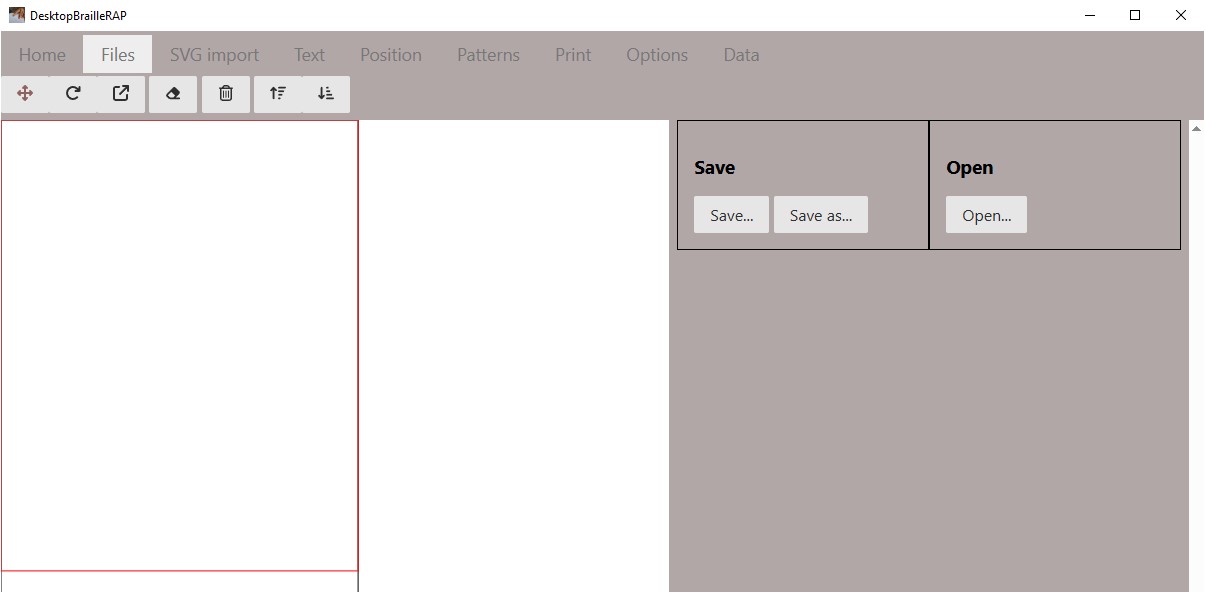
Files
Displays options for saving or playing a file containing a composition (extension .brp)
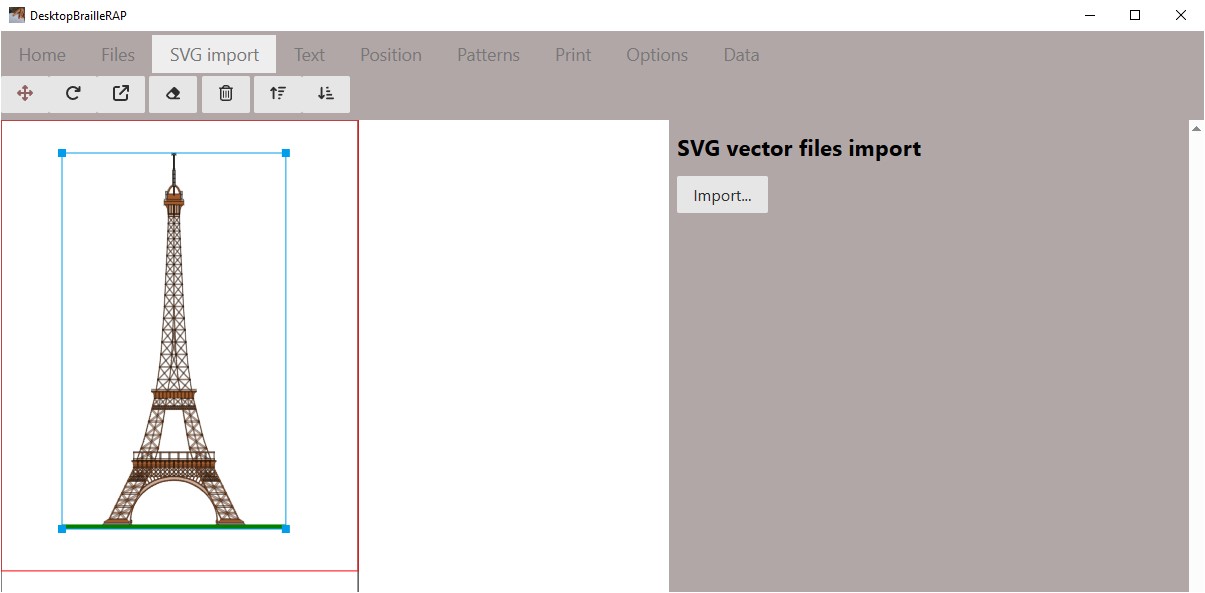
SVG Import
Display options related to importing an SVG file
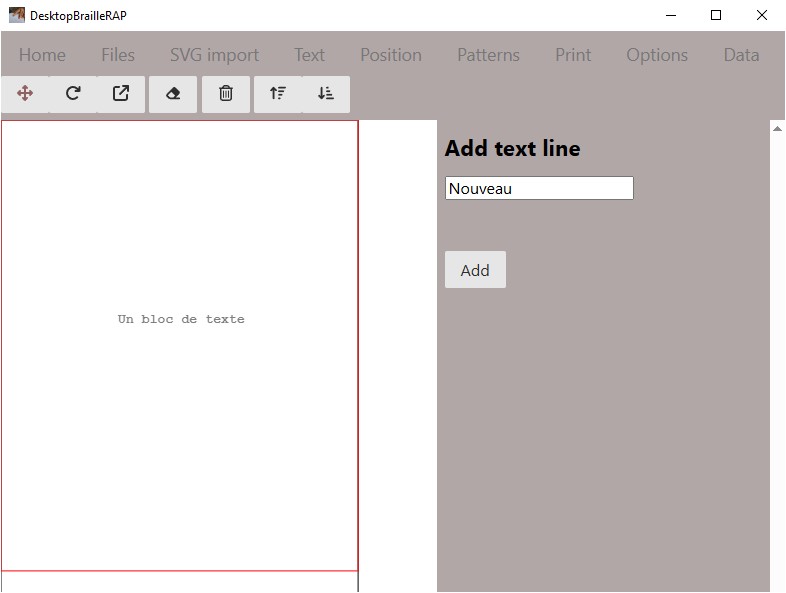
Text
Displays options related to adding a text block
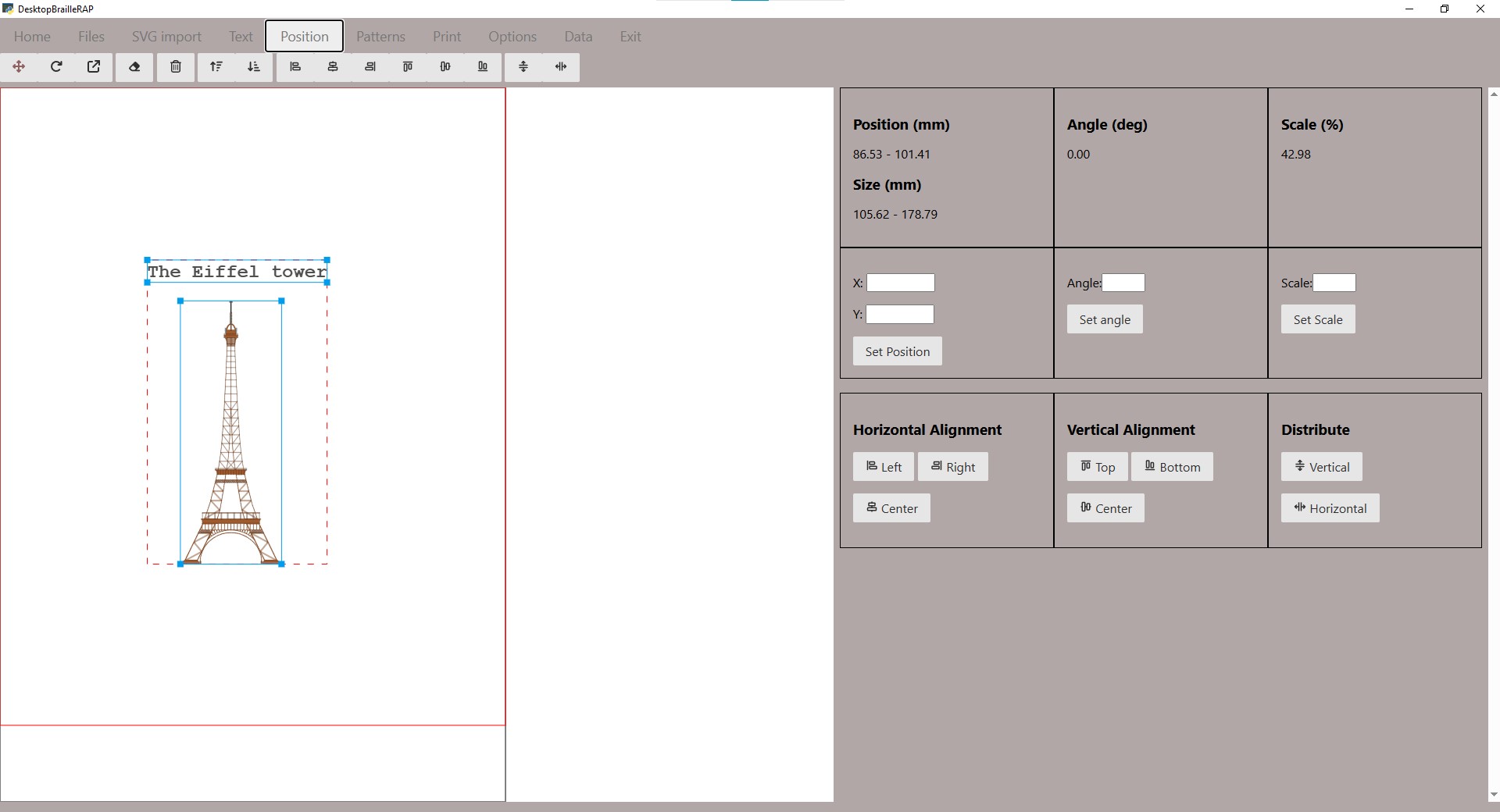
Position
Display options related to the position, orientation, or scale of graphics and text blocks.
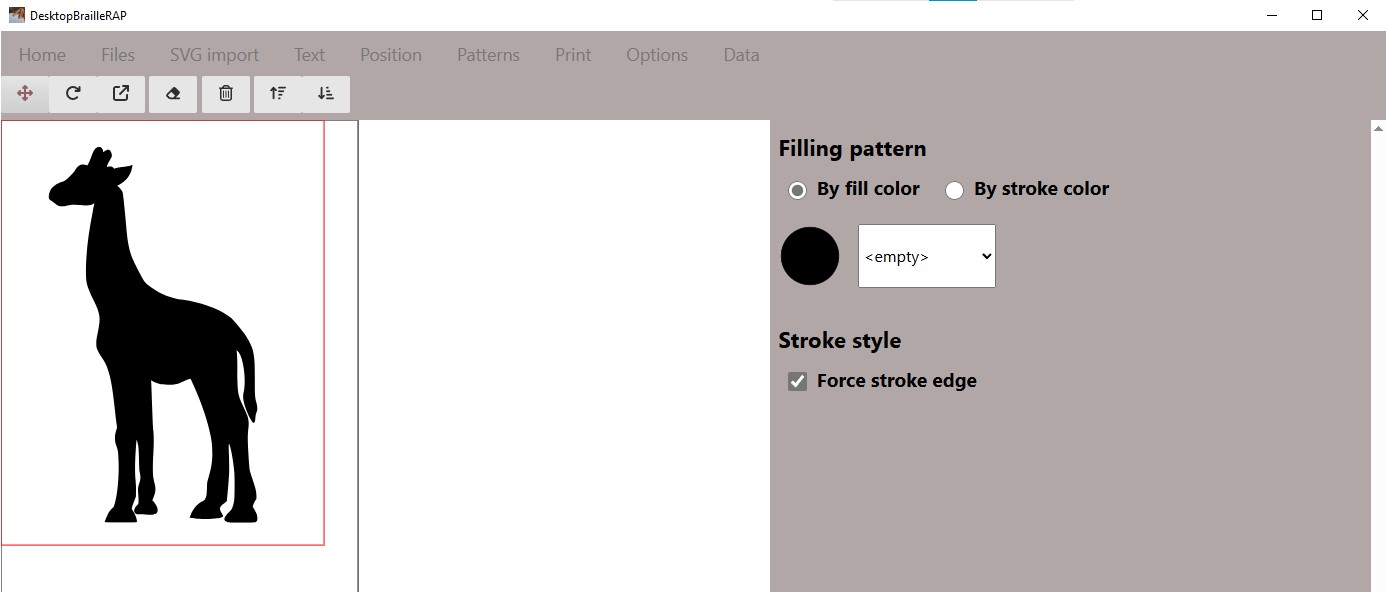
Pattern
Displays options related to associating a pattern with a fill color or line color
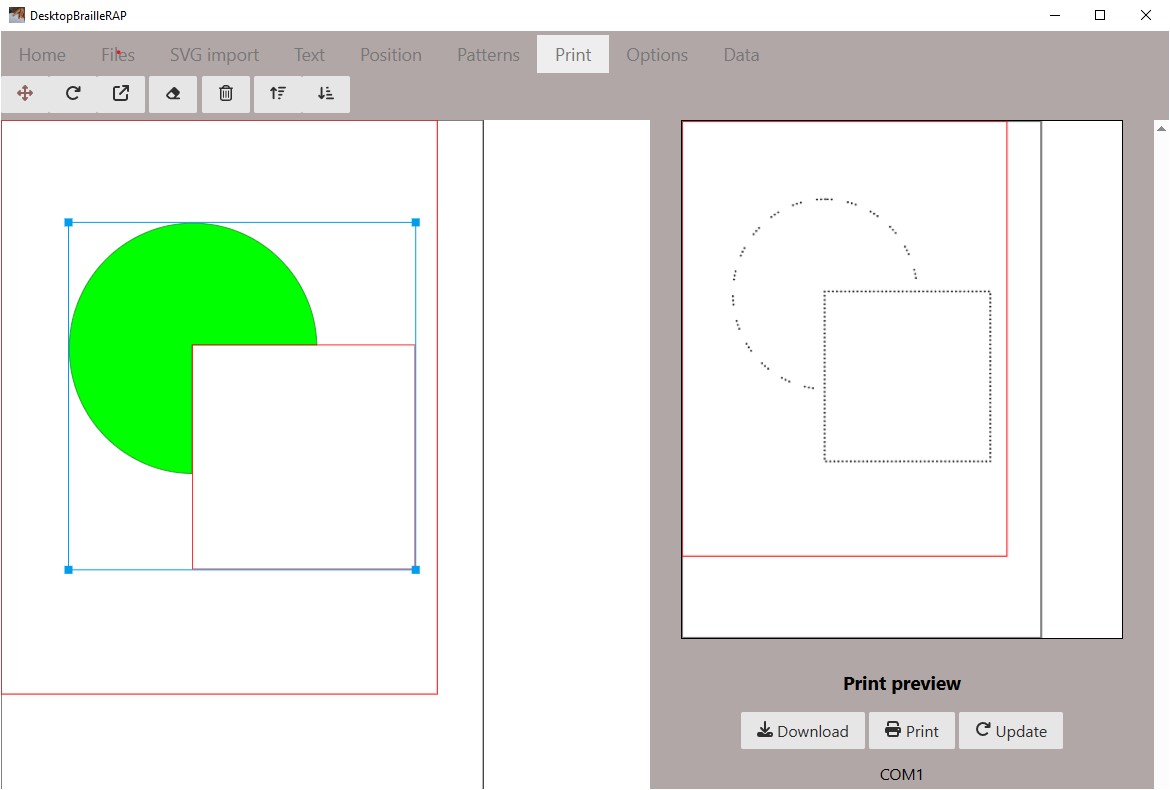
Print
Displays a print preview as well as options for printing the document on a BrailleRAP.
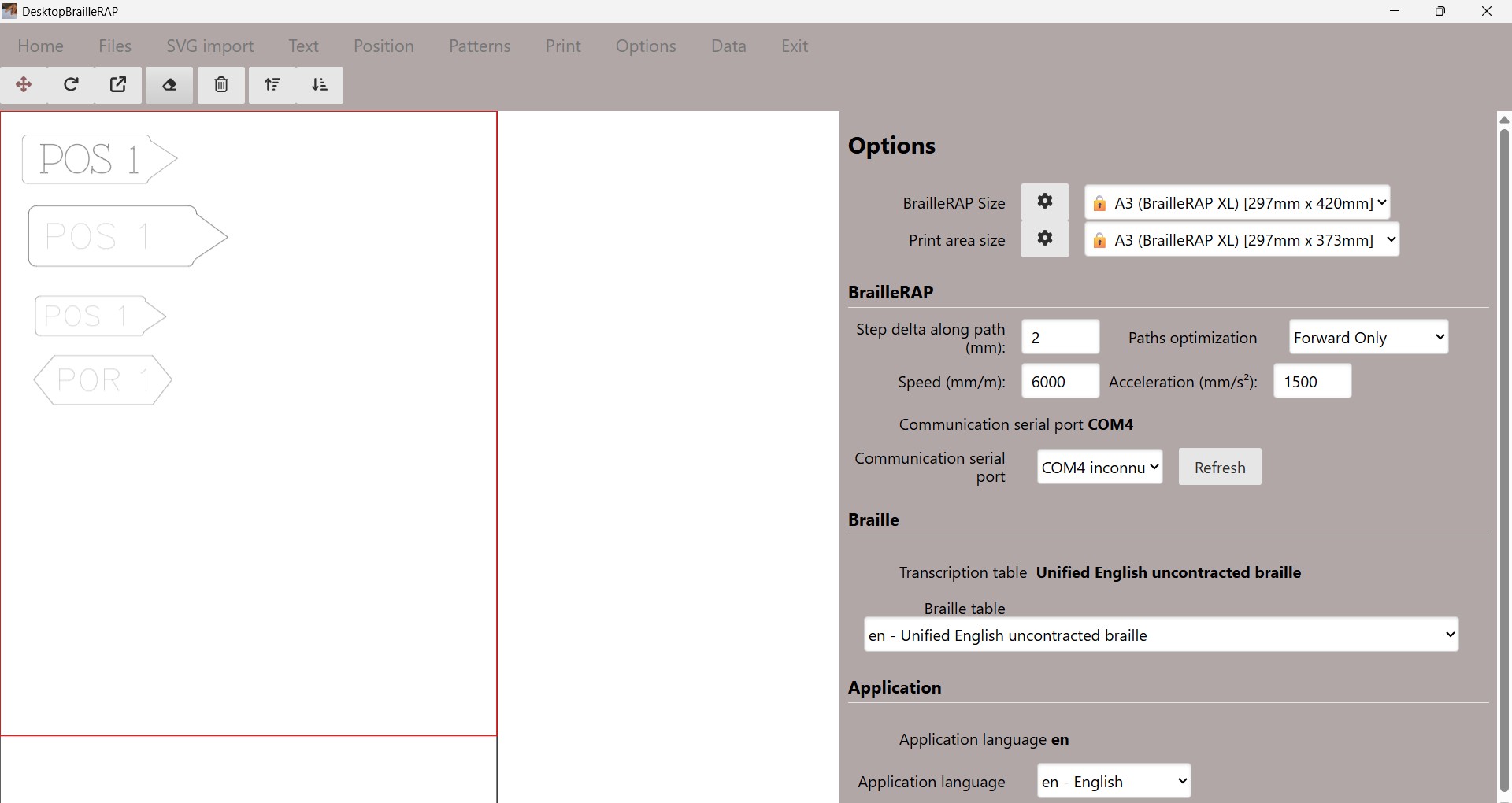
Settings
Displays options related to software configuration.
Data
Displays a summary of the active composition.